Follow up at the right time, every time
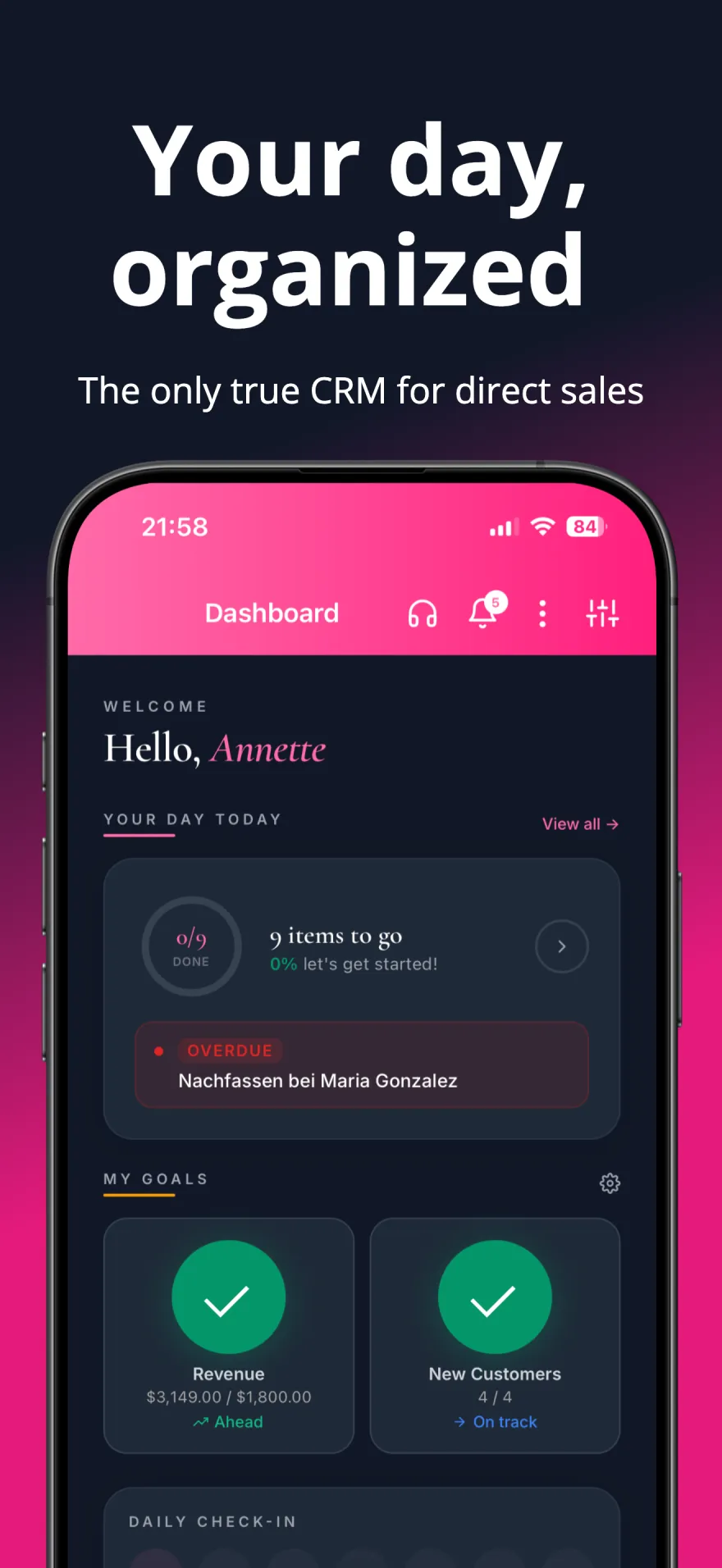
Forgotten follow-up is one of the biggest hidden leaks in a consultant business. Keep notes, set reminders, and see who needs attention today.
Customer Management
Keep track of all your customers, their preferences, purchase history, and contact information in one place.
Reminders & Follow-ups
After a customer's first order, follow-ups at 2 days, 2 weeks and 2 months — adjustable. Repeat orders get a reorder reminder timed to each customer's buying rhythm, plus low-stock and appointment reminders.
Financial Dashboard
Track earnings, expenses, and profits with quarterly, yearly, and custom reports. Export to CSV, Excel, or PDF.
The customers you lose are the ones you forget
Nobody stops buying because of one bad product. They drift: a reorder that never got mentioned, a message you meant to send in March. Without a system, the loudest customers get the attention and the quiet, reliable ones go silent — and you only notice months later when the numbers dip.
How it works in the app
-
See who is drifting
Every customer carries a health score from 0 to 100, calculated from how recently, how often and how much they buy. The "At Risk" filter in your customer list shows the ones whose score is dropping, and reconnect reminders land in My Tasks.
-
Group people who need the same message
Segments group customers by shared criteria — VIPs, a city, everyone who has not ordered recently. You build one from conditions (a field, an operator, a value) rather than tagging people by hand.
-
Reach out without retyping
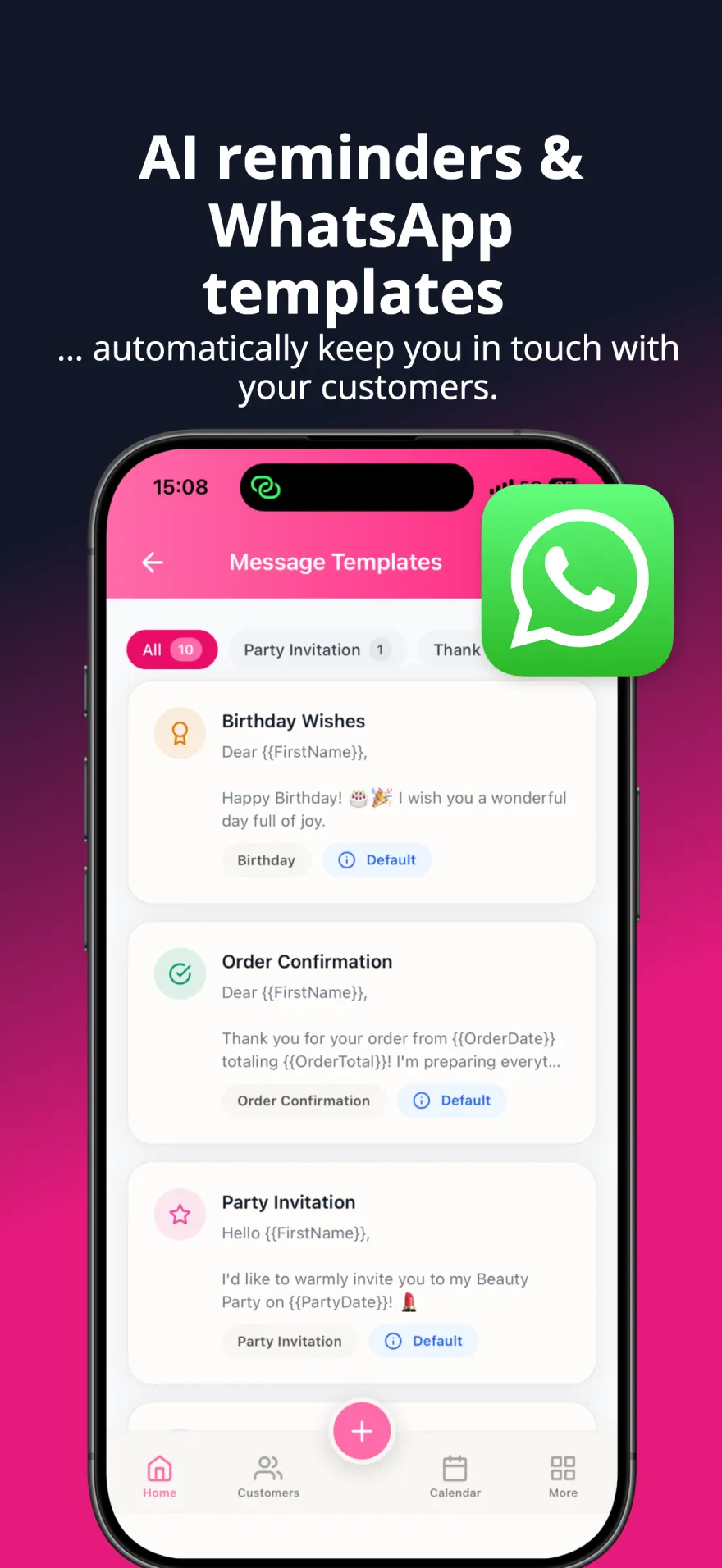
Message templates carry variables that fill in per customer, so a follow-up to twelve people is still personal. WhatsApp is optional and clearly labelled where it applies.
-
Let reminders carry the schedule
Reminders cover follow-ups, birthdays, low stock and appointments. Some are created for you — a conditional-discount order sets its own follow-up date — and the rest you add once and forget.
See it in action
A closer look at the app your business runs on.
Before you start
Health scores need purchase history to mean anything, so the first weeks after import are quieter than later. Nothing here requires WhatsApp: templates and reminders work on their own, and you send through whichever channel you already use.
A real example
A customer who ordered every six weeks has not appeared for three months. Her health score drops, she surfaces in the At-Risk list, and she is already in your "regulars" segment. One templated message later she reorders — and the reminder for the next check-in is set before you close the app.
Questions consultants ask
- What exactly is a health score?
- A number from 0 to 100 per customer, derived from how often and how recently they buy plus other engagement signals. It is a ranking aid for your attention, not a judgement about the person.
- How do I find customers who are slipping away?
- Tap the "At Risk" filter in your customer list or sort it by health score. When a customer's score drops below 40, the app also adds a reconnect reminder to My Tasks, so you can start with the ones worth a message today.
- Can I message a whole group at once?
- Yes, if you connect WhatsApp Business: send a campaign to a segment — for example everyone in one city who has not ordered in 90 days — and each person receives their own name and details. Without WhatsApp, work through the segment one by one with a message template that fills in each person's details.
- Do I have to set every reminder myself?
- No. Alongside the reminders you create, the app generates some for you: an order with a conditional discount produces a follow-up reminder due on the repayment deadline, and low stock triggers its own alert.
Help & FAQ
Build your business around the people who matter.
Grow real income for your family — sell more, keep more customers, and win back time with the people you love.