Orders, invoices, and inventory in one flow
Track what was ordered, delivered, invoiced, and still unpaid — and keep realistic inventory so you never double-sell before a party or delivery.
Orders & Fulfillment
Track every order from creation to delivery, with payment status, delivery dates and stock deducted automatically when you keep products in stock.
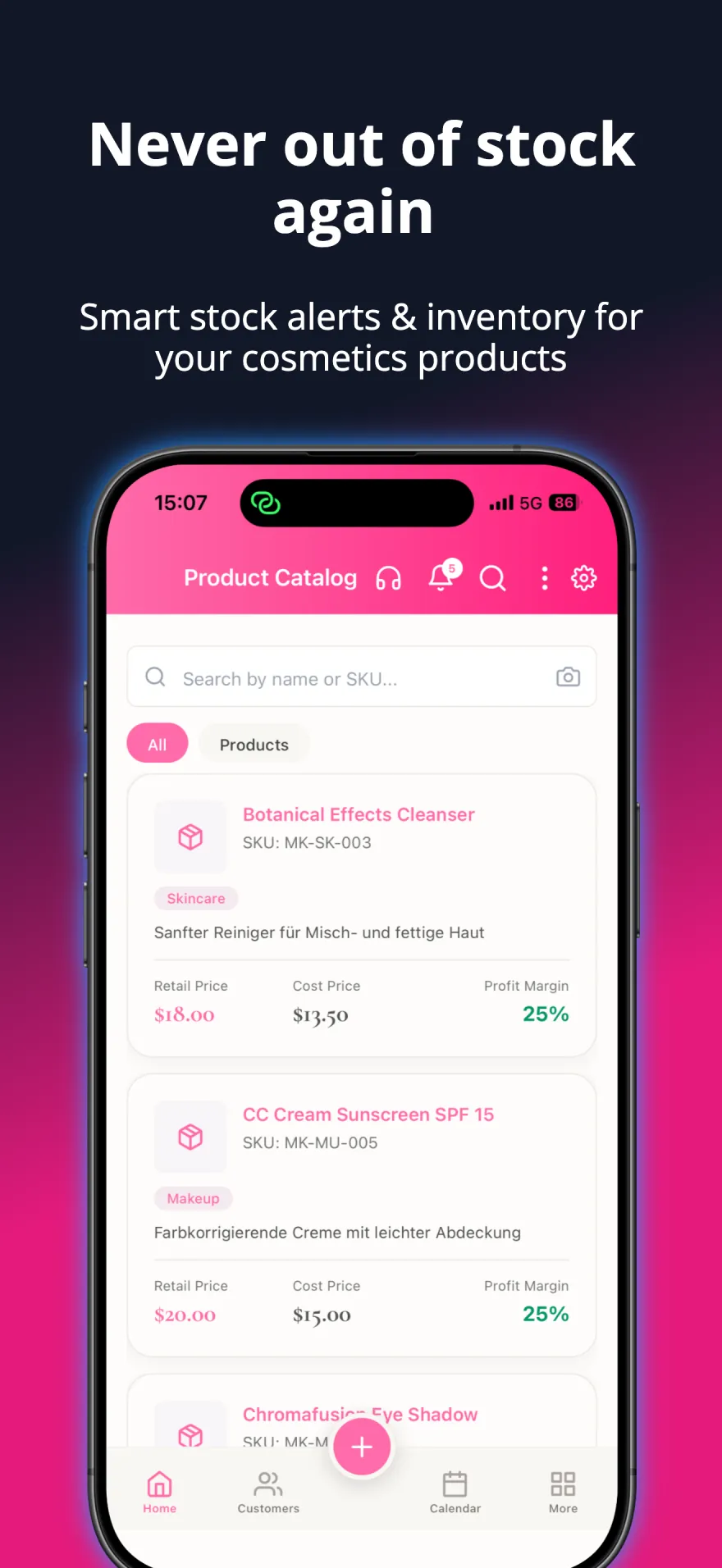
Inventory & Sales
Monitor stock levels, track sales, and get automatic alerts when products are running low.
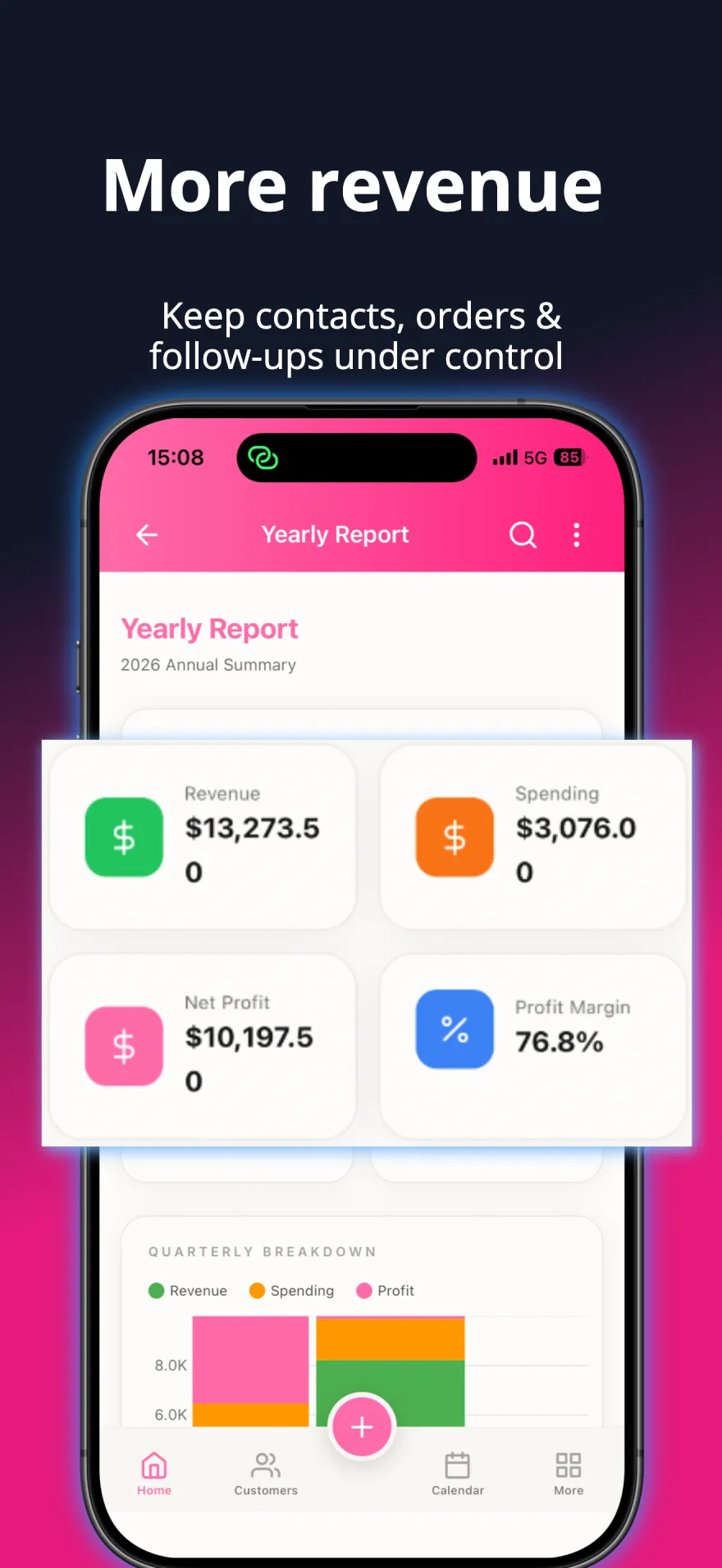
Financial Dashboard
Track earnings, expenses, and profits with quarterly, yearly, and custom reports. Export to CSV, Excel, or PDF.
Where the money quietly leaks
Orders in one notebook, supplier invoices in an email folder, stock counted from memory. It works until the month you are asked what you actually earned — and you spend a Sunday reconstructing it from receipts, or accept that you will never really know.
How it works in the app
-
Enter the order once
Pick the customer, add products with quantities and prices, set the date and payment method. Only the customer and one item are mandatory — delivery details and notes can wait until you have them.
-
Let stock update itself
Inventory is deducted automatically when an order is created, so the count reflects reality without a stocktake. Batch tracking by best-before month keeps perishable products in order.
-
Photograph the supplier invoice
Upload a PDF or a photo and the AI extraction reads the invoice number, date, vendor and line items. Files are encrypted, and you correct anything the scan misreads before it is saved.
-
Read the result, not the receipts
With orders and supplier invoices in the same place, the financial dashboard shows income against costs without a spreadsheet — and the numbers are the ones you already entered, not a second set.
See it in action
A closer look at the app your business runs on.

Before you start
Your product list should exist before the first order, since orders are built from it. Invoice scanning accepts PDFs and images up to 10 MB each and can process several files at once; extraction is a starting point you review, not a black box you trust blindly.
A real example
A delivery arrives with a supplier invoice. You photograph it, correct one misread line, and it is filed. Three customer orders go in that evening; stock drops on its own. At the end of the month the dashboard already knows your margin — the Sunday of receipt-sorting simply does not happen.
Questions consultants ask
- What is the minimum I have to fill in for an order?
- A customer and at least one item with a product, quantity and unit price. Delivery date, payment method, shipping details and notes are all optional and can be added later.
- Do I have to update stock manually after a sale?
- No. Creating an order deducts the items from inventory automatically. You can still adjust quantities by hand for corrections, returns or a physical stocktake.
- How accurate is the invoice scan?
- The AI extraction pulls out the invoice number, date, vendor and line items, and you review the result before saving. Treat it as a first pass that removes the typing, not as a replacement for checking the total.
- Is the difference between supplier invoices and customer receipts handled?
- Yes — they are separate things in the app. Supplier invoices are what you paid, customer receipts are what you sold, and the financial dashboard keeps the two on the correct side of your margin.
Build your business around the people who matter.
Grow real income for your family — sell more, keep more customers, and win back time with the people you love.