Party planning that runs itself
From booking to post-party follow-up, keep host details, guest lists, product needs, and next steps in one place — so nothing slips between events.
Appointments & Parties
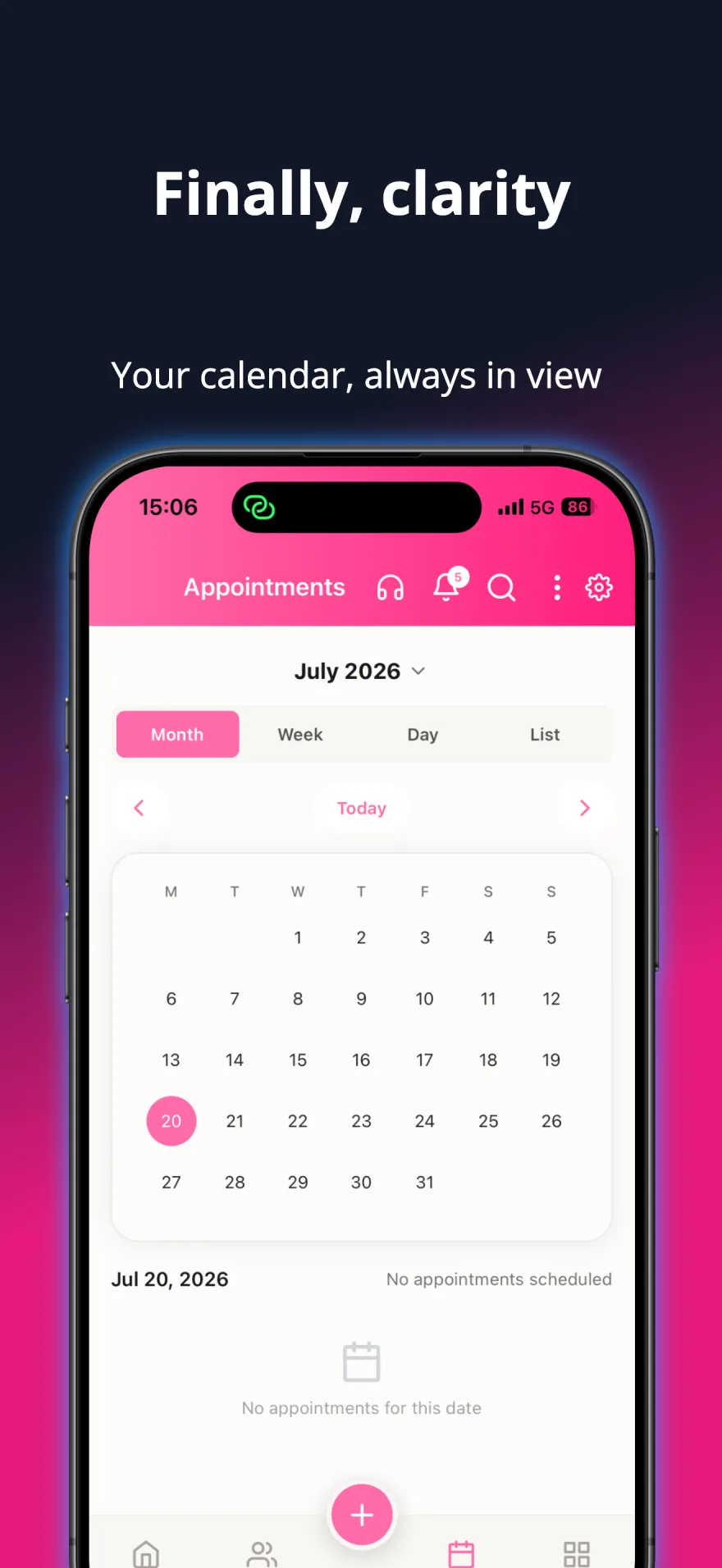
Schedule parties and consultations, get reminded before every appointment, and keep your Google or Microsoft calendar in sync.
Orders & Fulfillment
Track every order from creation to delivery, with payment status, delivery dates and stock deducted automatically when you keep products in stock.
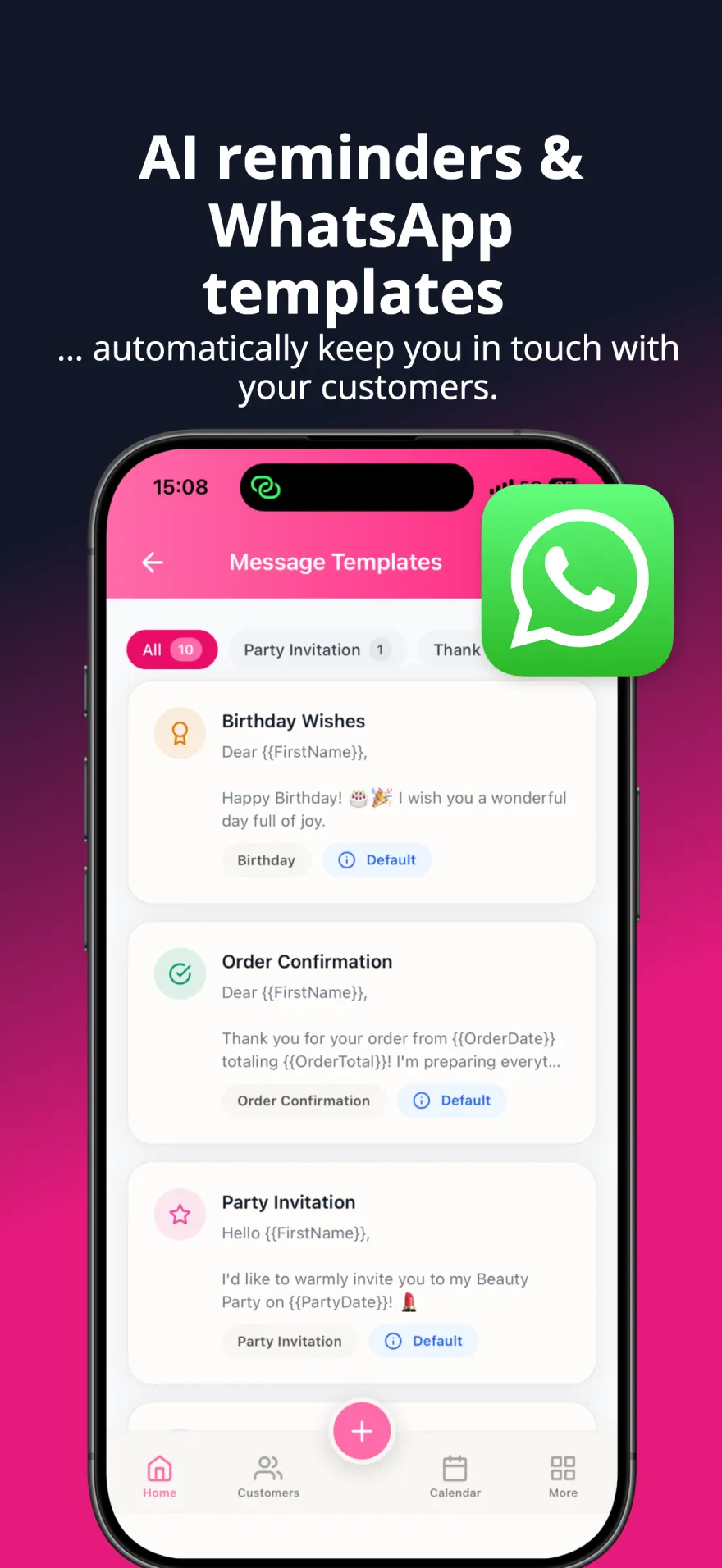
Reminders & Follow-ups
After a customer's first order, follow-ups at 2 days, 2 weeks and 2 months — adjustable. Repeat orders get a reorder reminder timed to each customer's buying rhythm, plus low-stock and appointment reminders.
The party is the easy part
Booking the date, remembering who said they would come, writing down what each guest wanted, then chasing the orders afterwards — that is where a party evening turns into three evenings of admin. Most consultants run it on a phone calendar, a paper list and a chat thread, and the pieces stop matching each other by the second party.
How it works in the app
-
Schedule the party
Create the appointment, pick the type "beauty party", and add the host. The calendar shows your day, week or month, so you can see straight away whether the date collides with something else.
-
Let guests fill in their own profile
Create a guest profile link for the party and show its QR code or share the link. Each guest enters her details on her phone — end-to-end encrypted — and new guests land in your contacts and on the party's guest list automatically.
-
Check guests in and take orders
Start Live Tracking on the evening to check guests in and note their reactions. Then add an order for each guest — every order keeps its own products, prices, discounts and payment method.
-
Let the follow-ups run themselves
Mark the appointment complete and the quick-action menu offers the next steps. If an order carries a conditional discount, the app creates a follow-up reminder with the repayment deadline as its due date.
See it in action
A closer look at the app your business runs on.
Before you start
You need your products in the app before the party so orders can be built from them; everything else can be filled in as you go. Guests do not need an account or the app — you enter their orders, and a guest review link can be shared afterwards.
A real example
A Friday party with six guests: you create the appointment on Monday and send the host the guest profile link to pass on. By Friday four guests have filled in their profile and are already in your contacts. On the evening you check everyone in and add one order per guest as they decide. On Saturday morning the follow-up reminders are already in your list — you never wrote a single note.
Questions consultants ask
- Can I create orders for several guests at the same party?
- Yes. Check your guests in with Live Party Tracking, then add a separate order for each of them, so every order keeps its own products, prices and payment method.
- How do guests get into my customer list?
- Share the party's guest profile link or QR code. Guests fill in their own details on their phone, and new guests become contacts automatically. If someone matches an existing contact, you decide under "Check guest profiles" whether to update that contact.
- Can I give the host a different discount from the guests?
- Yes. Discounts are set per order — a percentage or amount per item, a discount on the whole order, or a conditional discount — so the host's order can carry her own discount.
- What happens after the party is over?
- Mark the appointment as completed and a quick-action menu opens with the follow-up steps. Orders with a conditional discount automatically produce a follow-up reminder dated to the repayment deadline.
Help & FAQ
Build your business around the people who matter.
Grow real income for your family — sell more, keep more customers, and win back time with the people you love.